Step 1
Add 15 real items
Give GetUp enough of your actual wardrobe to work with.
GetUp Wave 1 private beta
Add 15 pieces you already own. Get outfit ideas, private fit feedback, and a clearer view of what your wardrobe is missing. We're inviting a small Wave 1 group to test GetUp and tell us where the advice works, where it breaks, and where it feels wrong.
Most wardrobe apps turn into admin. Most styling apps turn into shopping. GetUp starts with what you already own.
Private beta. iPhone only. TestFlight invite required. Limited Wave 1 places.
The wardrobe problem
GetUp is for people who have clothes but still struggle to combine them, repeat the same outfits, buy disconnected pieces, or want private outfit feedback without posting online.
7-day test brief
Step 1
Give GetUp enough of your actual wardrobe to work with.
Step 2
Use real situations: work, dinner, travel, dates, events, or everyday wear.
Step 3
Mark what feels usable so we can understand what actually lands.
Step 4
Upload a real outfit photo and judge whether the feedback is specific and useful.
Step 5
After 7 days, tell us what was useful, confusing, too generic, wrong, or worth paying for.
What you'll find out
The test is designed to show what your wardrobe can already do, where it struggles, and where GetUp needs sharper judgement.
Get combinations from clothes you own, not another list of things to buy.
See whether you are missing basics, layers, shoes, colour links, or occasion pieces.
Use Fit Check to test real outfits privately before you leave the house.
Tell us when the advice is too safe, too generic, or not your style. That feedback shapes Wave 1.
Who should join
Wave 1 is for people who are willing to use the full loop, not just browse. That means style profile, real wardrobe items, outfit generation, Fit Check, saved outfits, and honest feedback.
Join the 7-day wardrobe testWave 1 beta access
Tell us a little about your wardrobe habits so we can invite testers who are likely to get useful results from the 7-day test.
GetUp is working, but Wave 1 is still a beta. Some outfit ideas will be too safe, some previews will miss, some shopping matches will be imperfect, and some wardrobe flows may need tightening. That is exactly what this test is for.
What you'll be able to test
Build a style profile, add real wardrobe items, generate outfits, run Fit Check, and see whether gap-filling suggestions make the wardrobe test more useful.
Give GetUp enough preference and fit context to avoid generic outfit advice.
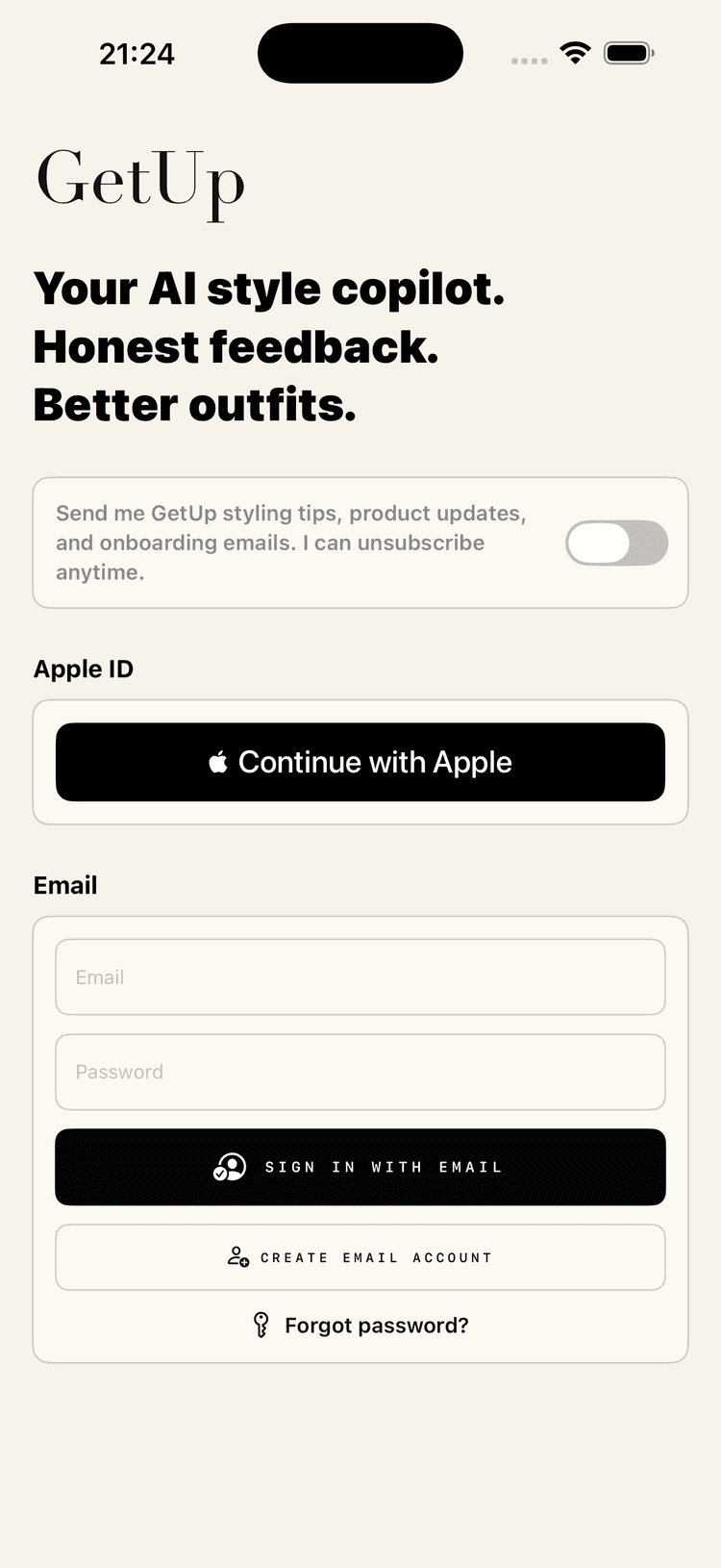
Start with a clean GetUp welcome, marketing consent control, Apple sign-in, and email account options.
Test: Check whether the opening promise feels clear before any wardrobe data exists.
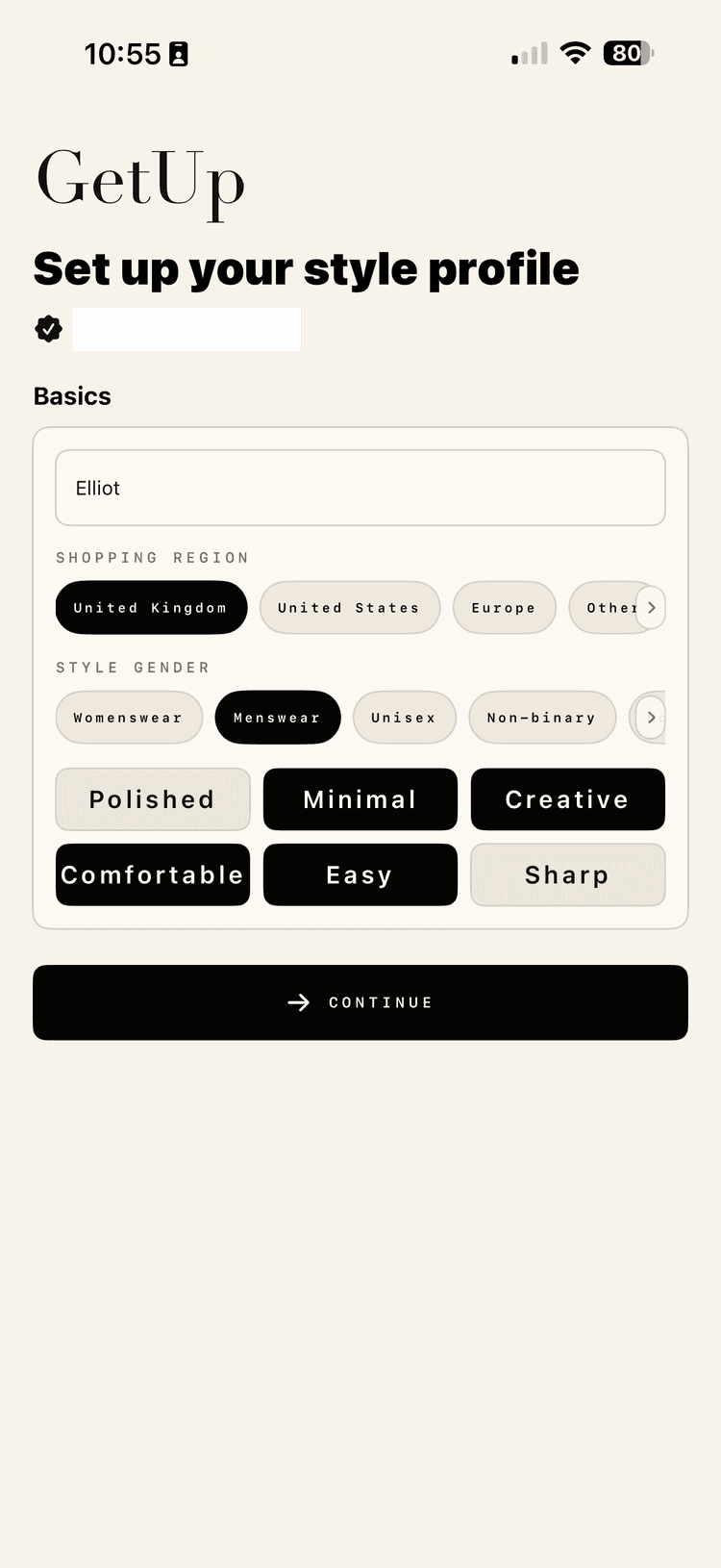
Set the basics that shape early recommendations: name, shopping region, style gender, and first style words.
Test: Check whether setup feels quick enough before asking for photos and wardrobe items.
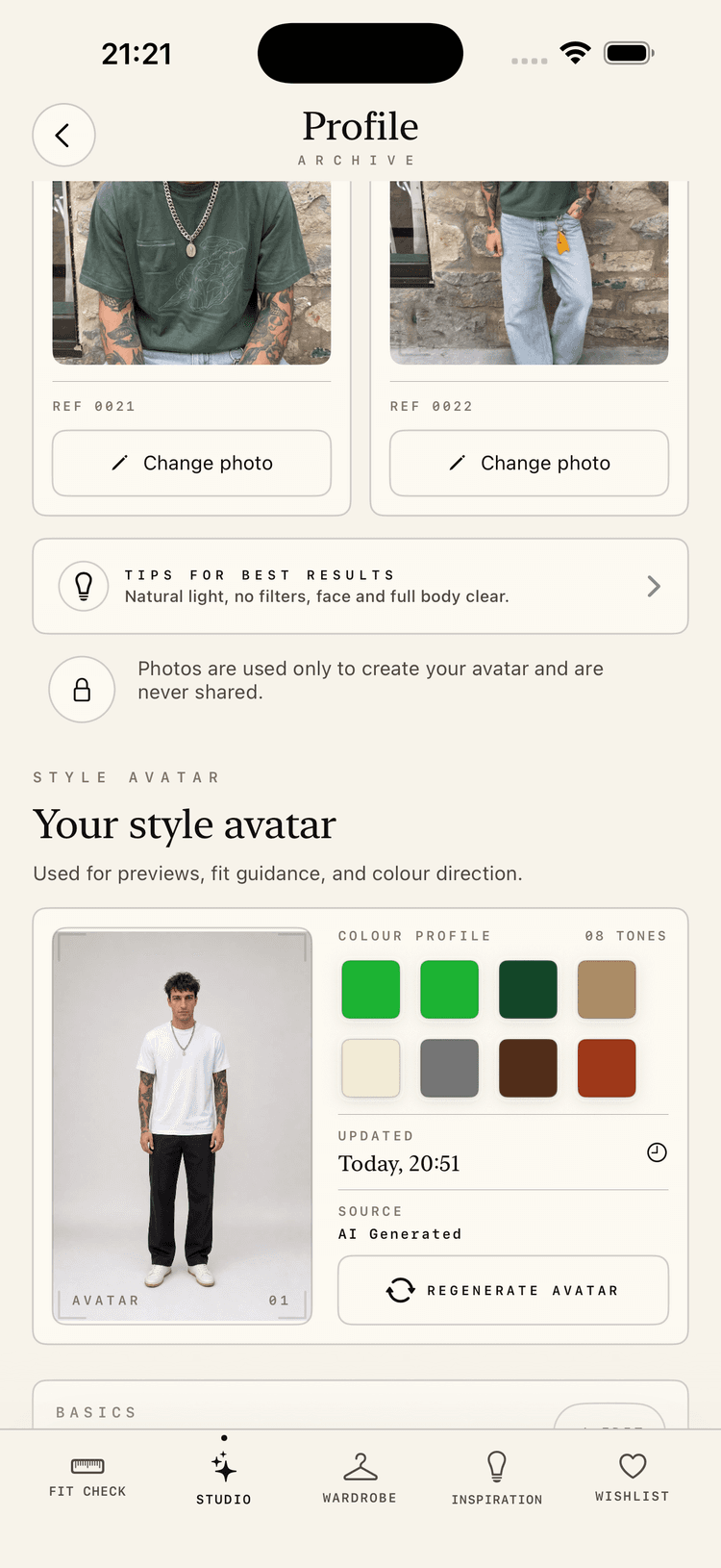
Keep reference photos, your style avatar, colour direction, fit notes, and personal styling context together so GetUp can make better calls.
Test: Check whether the controls feel clear, private, and reassuring.
Add real clothes and check whether the wardrobe has enough useful context.
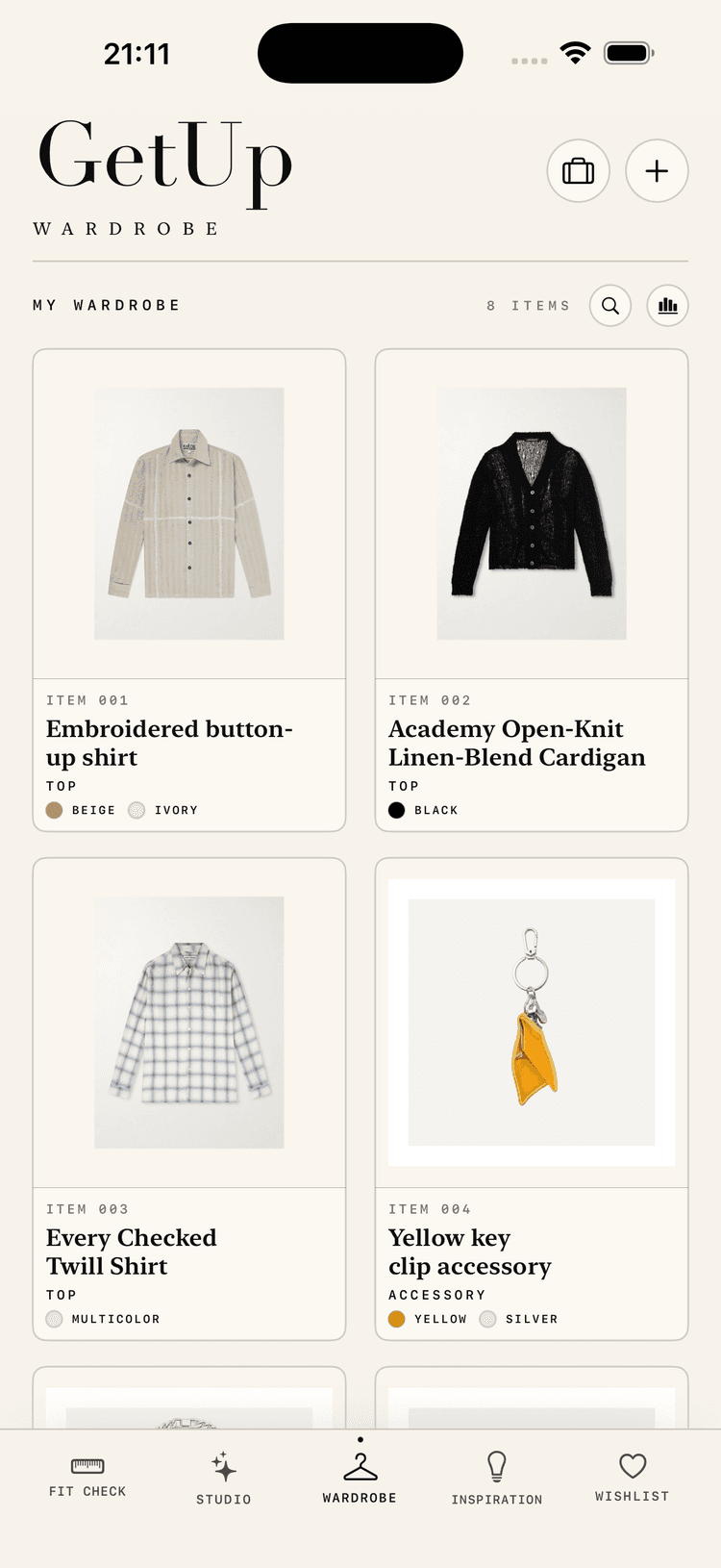
Build a visual closet with search, category filters, usage insights, and richer details so outfit ideas start with what you actually wear.
Test: Try searching by colour, brand, detail, or category and tell us where a larger wardrobe would still get messy.
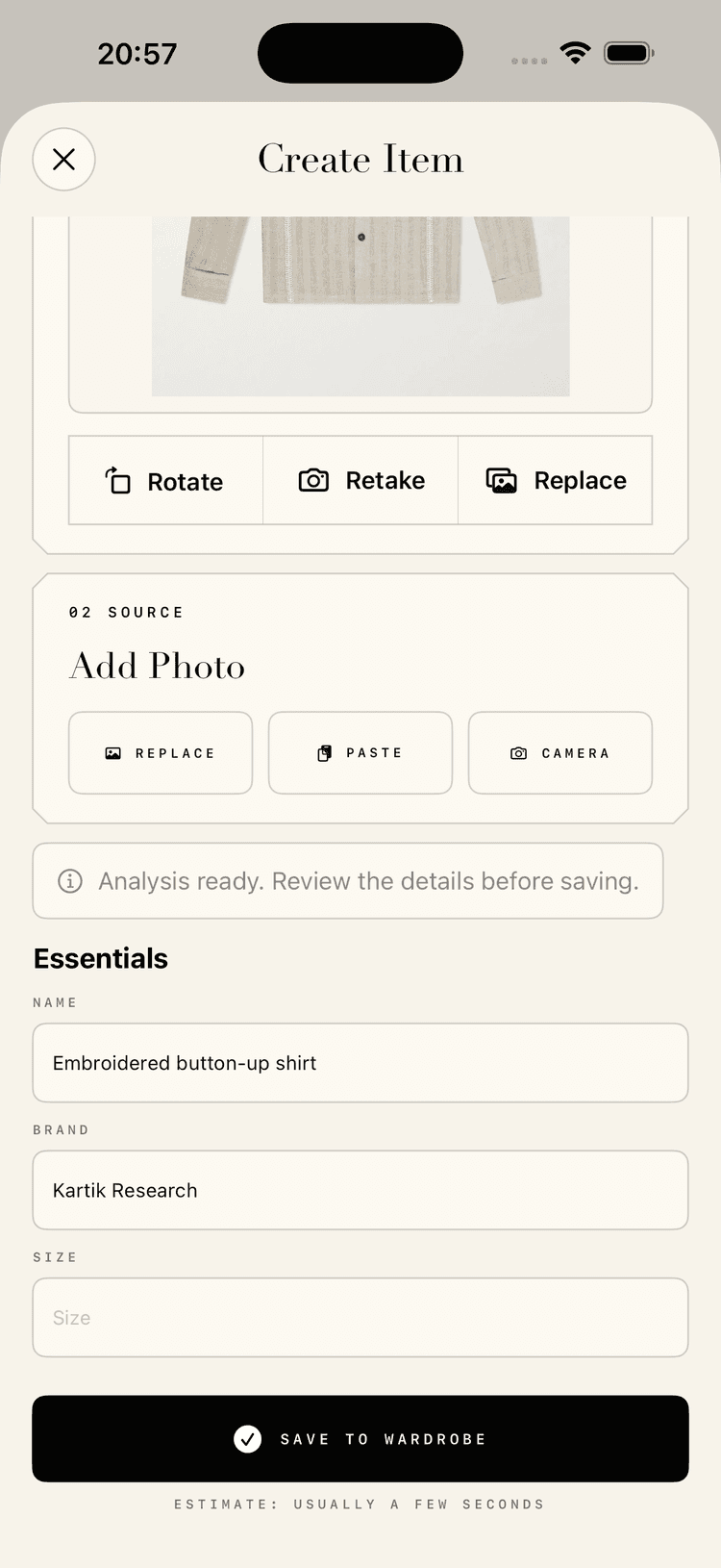
Add items from photos, product links, or generated product shots, then review the category, colours, material, fit, brand, size, and other details before saving.
Test: Try the import method you would actually use most.
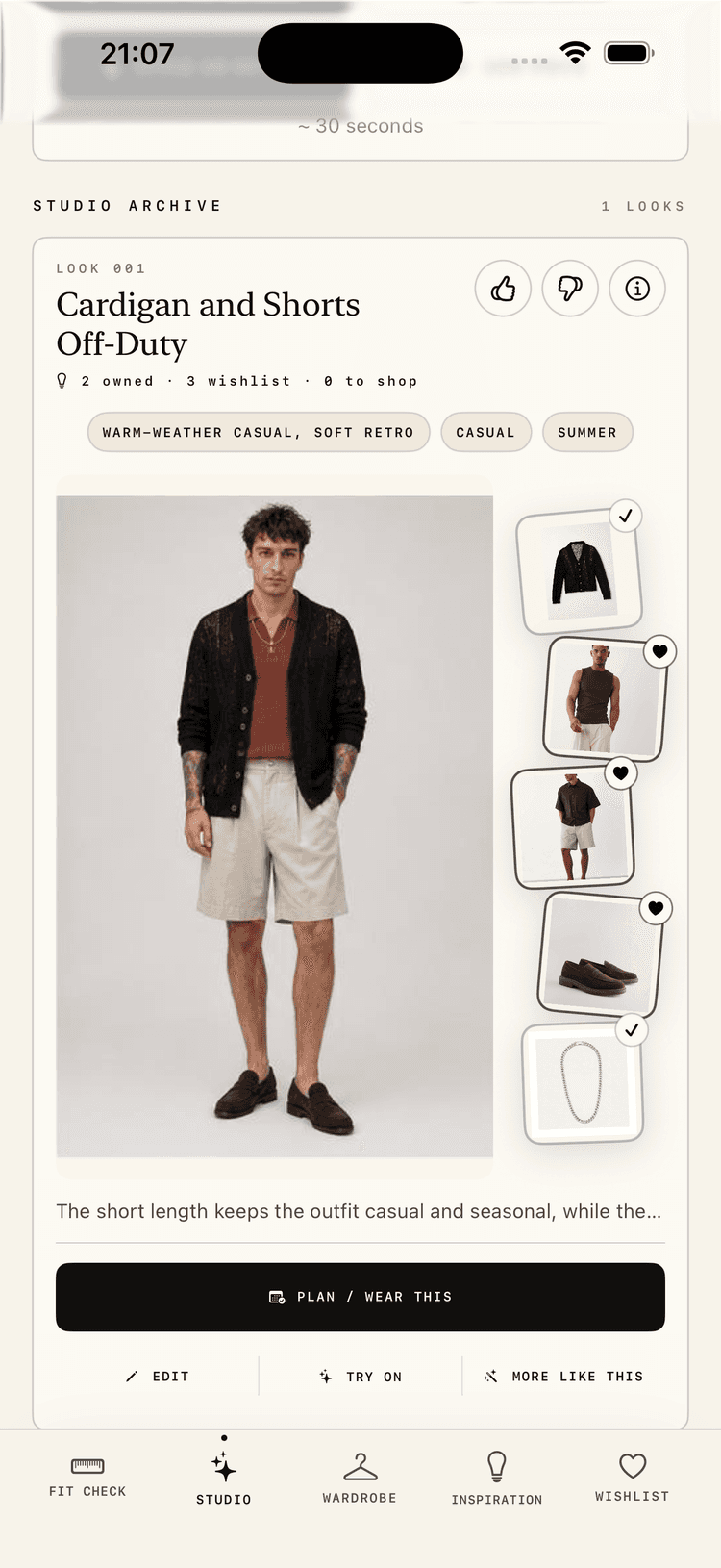
Ask for looks for real situations and judge whether the suggestions are wearable enough to save.
Create looks from your wardrobe and wishlist, lock key items, search pickers, adjust styling preferences, fill gaps, critique outfits, and save the looks that work.
Test: Try real outfit briefs and tell us where the results feel useful, too safe, or off.
Use Fit Check on an actual outfit photo and test whether the advice is specific.
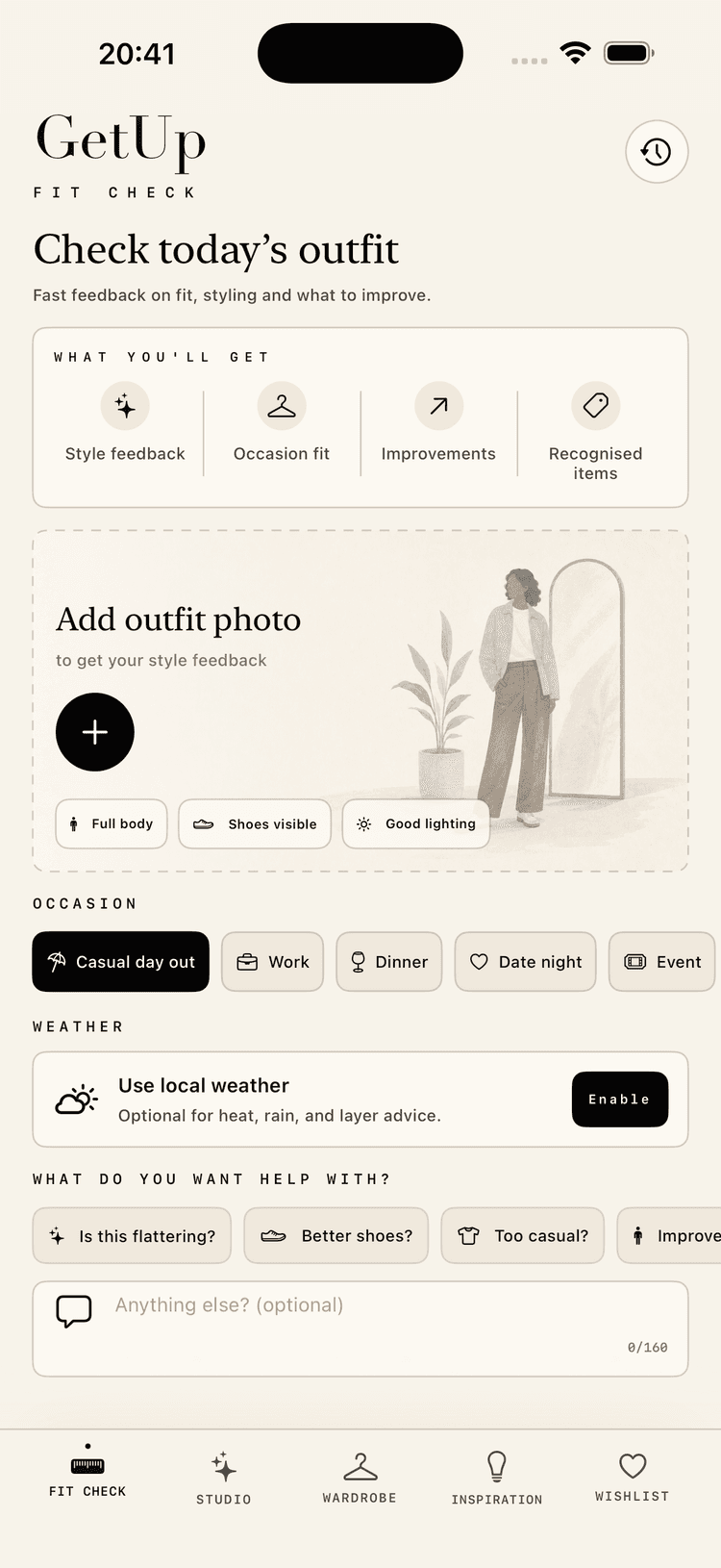
Upload or take a full-body outfit photo, choose the occasion, add context, review photo tips, and return to previous checks from history.
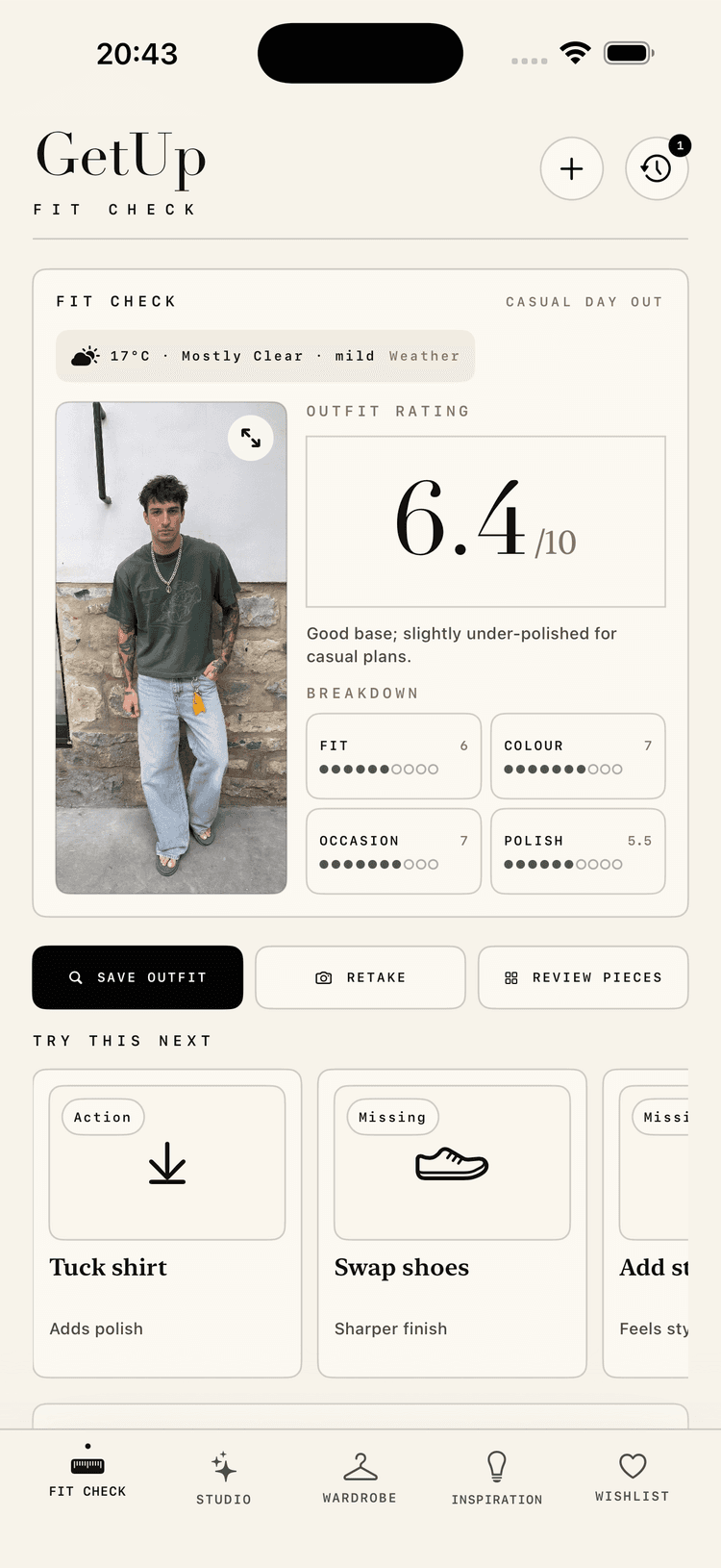
Get private feedback on what works, what needs fixing, score breakdowns, detected pieces, wardrobe matching, imports, and follow-up questions.
Test: Check whether the advice feels specific, fair, actionable, and useful for improving your saved wardrobe.
Use gap-filling suggestions and inspiration only where they help explain what your wardrobe is missing.
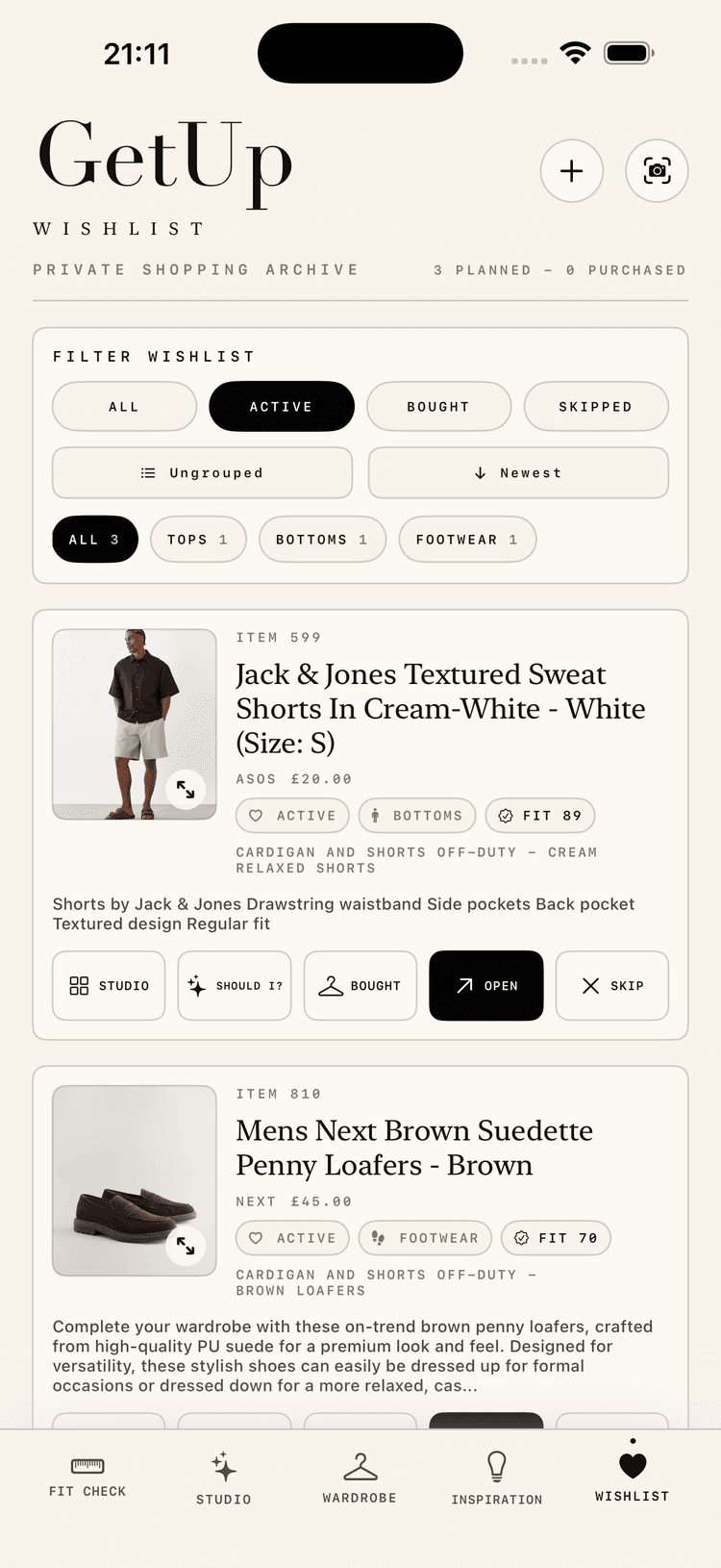
Save product suggestions or manual finds, group and filter them, fill outfit slots, mark purchases, and move bought items into your wardrobe.
Test: Check whether saving, buying, filling a look, and moving items into your wardrobe feels natural.
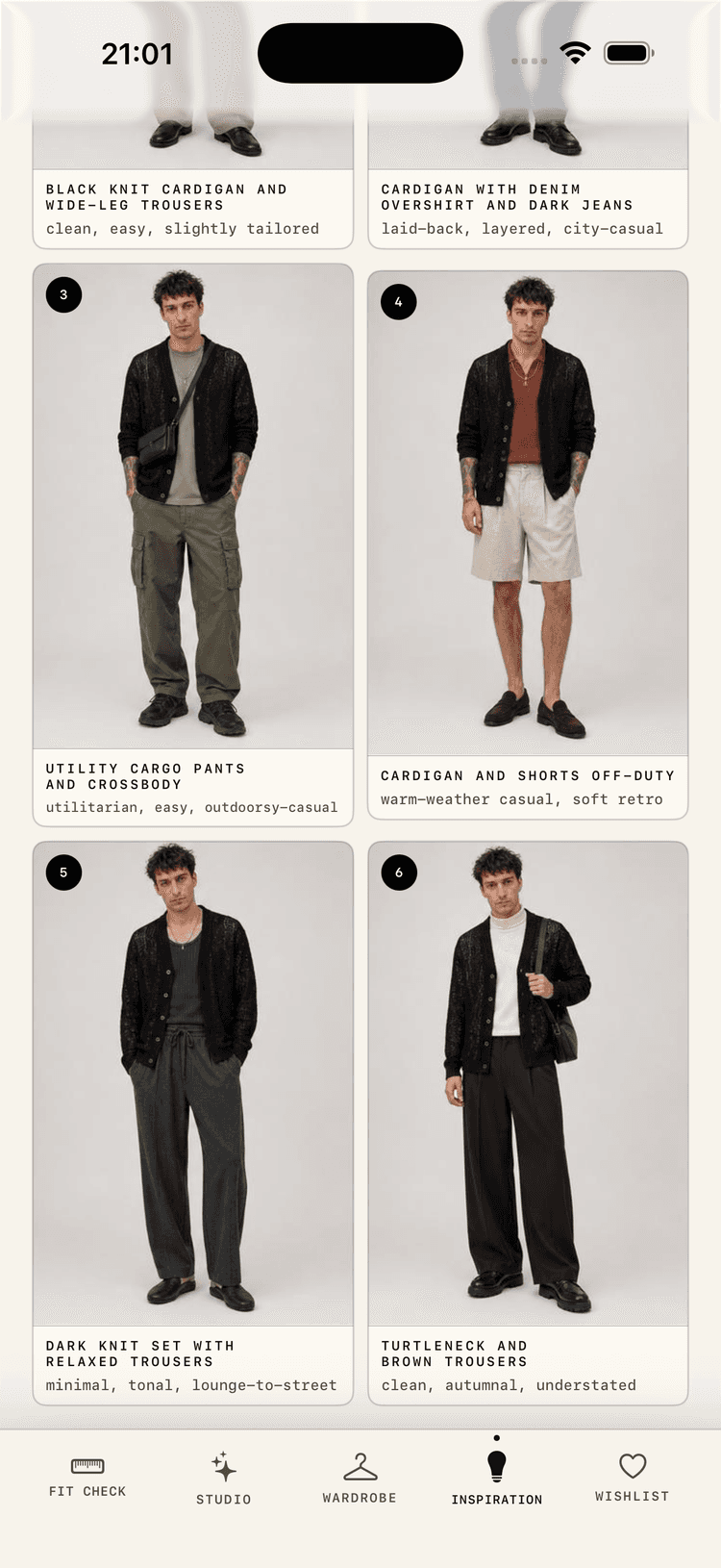
Turn a mood, item, occasion, wardrobe anchor, or wishlist anchor into visual outfit directions you can save, refine, shop from, or bring into Studio.
Test: Tell us whether the boards feel wearable and specific enough.
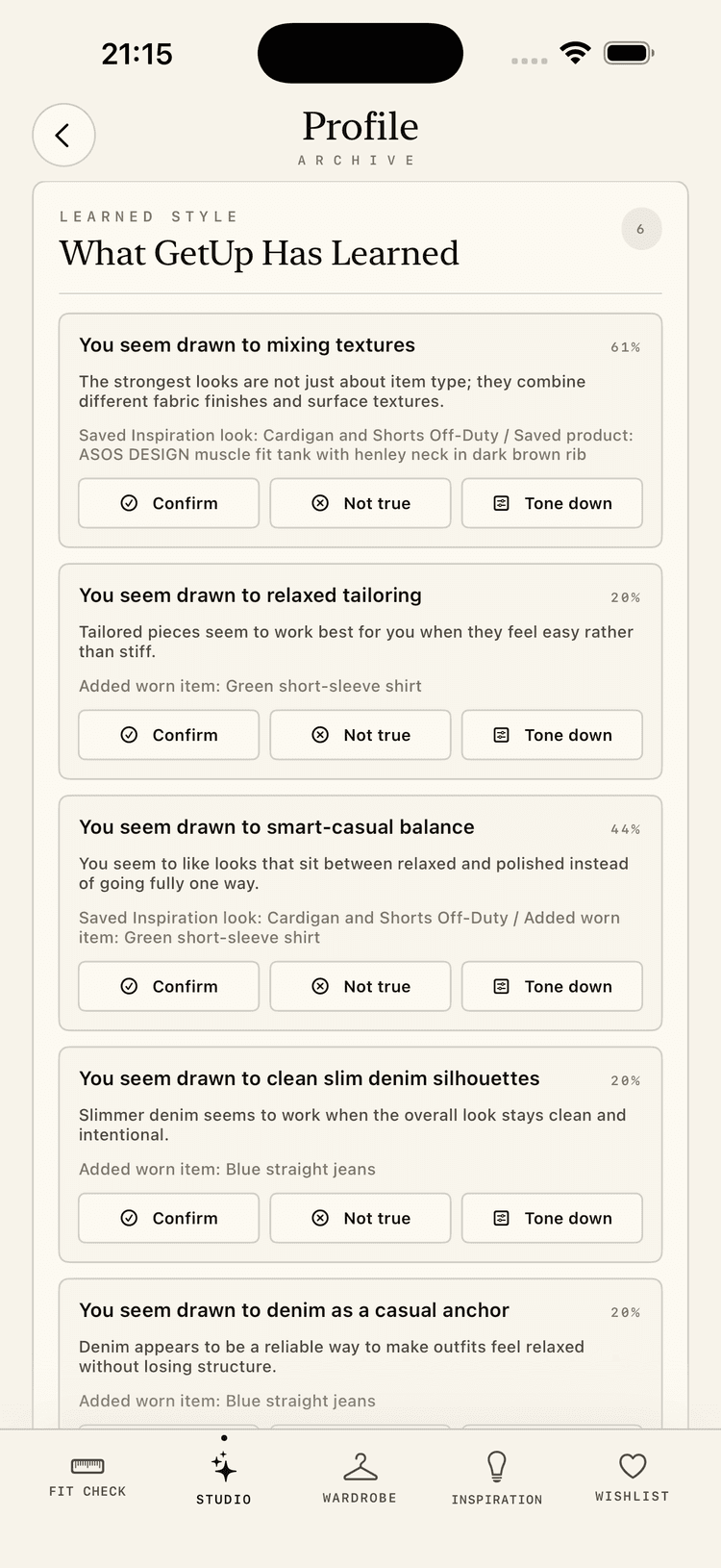
Review what GetUp has learned from saved looks, wardrobe items, Fit Check results, and shopping choices, then confirm, reject, or soften each signal.
Test: Check whether the learning feels accurate, editable, and reassuring.
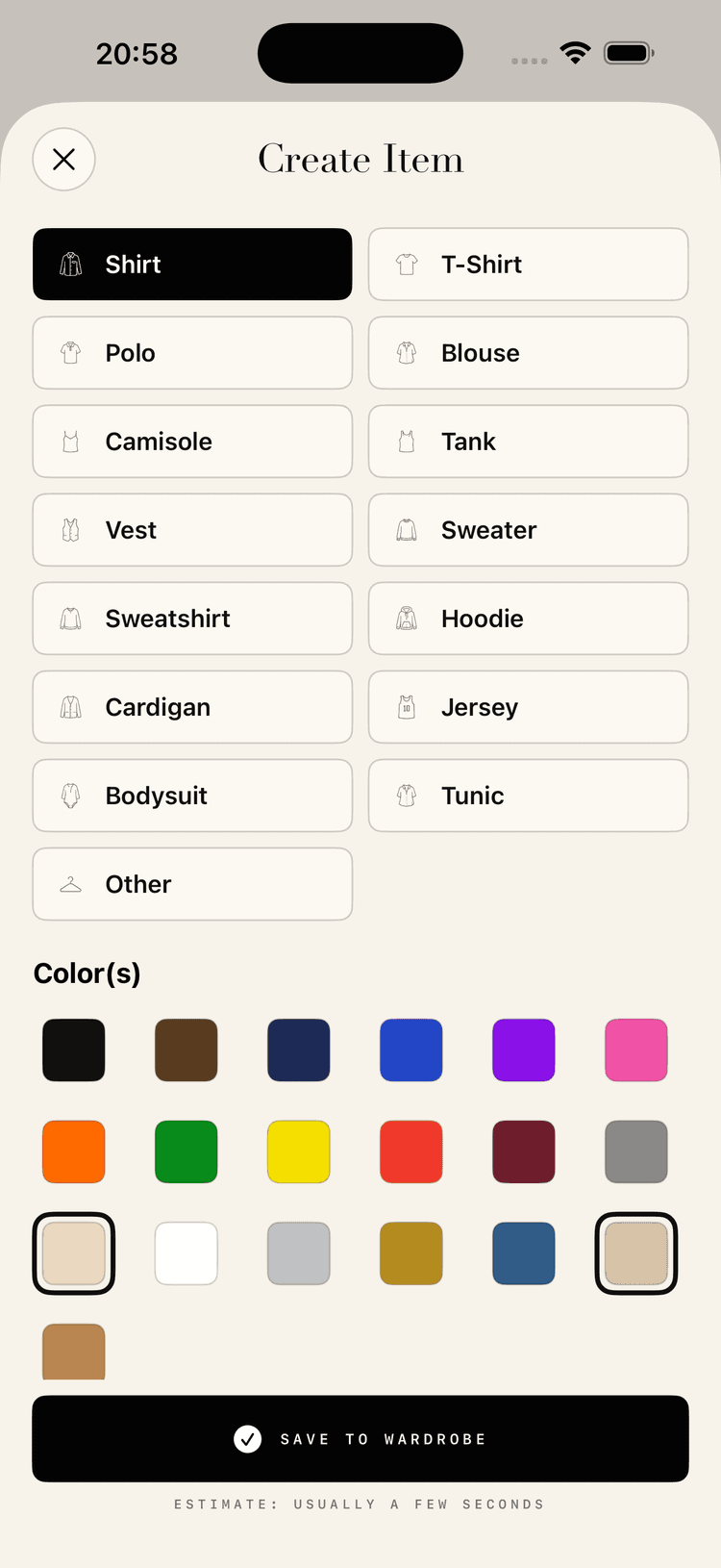
Refine category and colour details before a piece enters the wardrobe, with large touch targets and visible save confidence.
Test: Tell us whether corrections feel fast enough while adding several pieces.
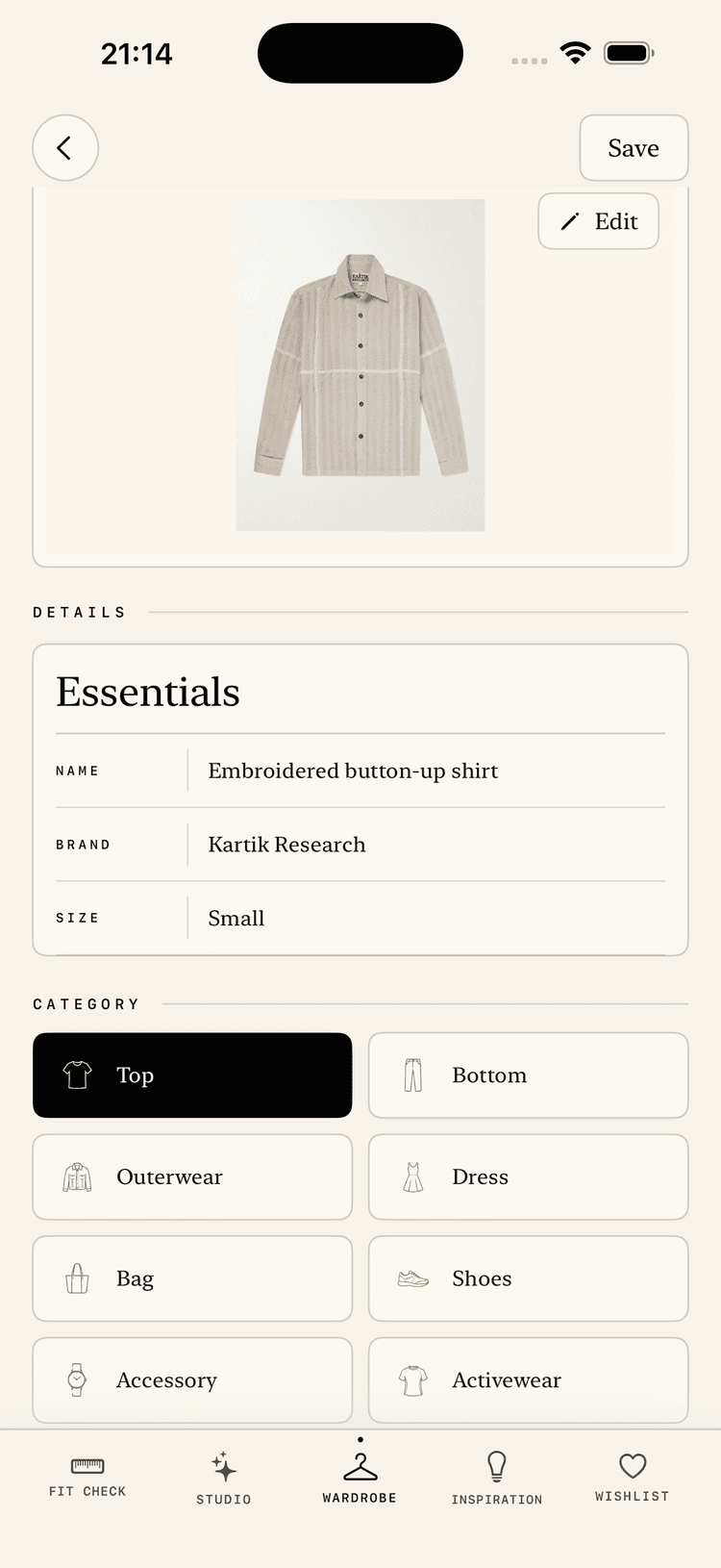
Edit names, categories, colours, materials, brand, size, fit details, source links, clean product shots, planning visibility, usage stats, and fit observations.
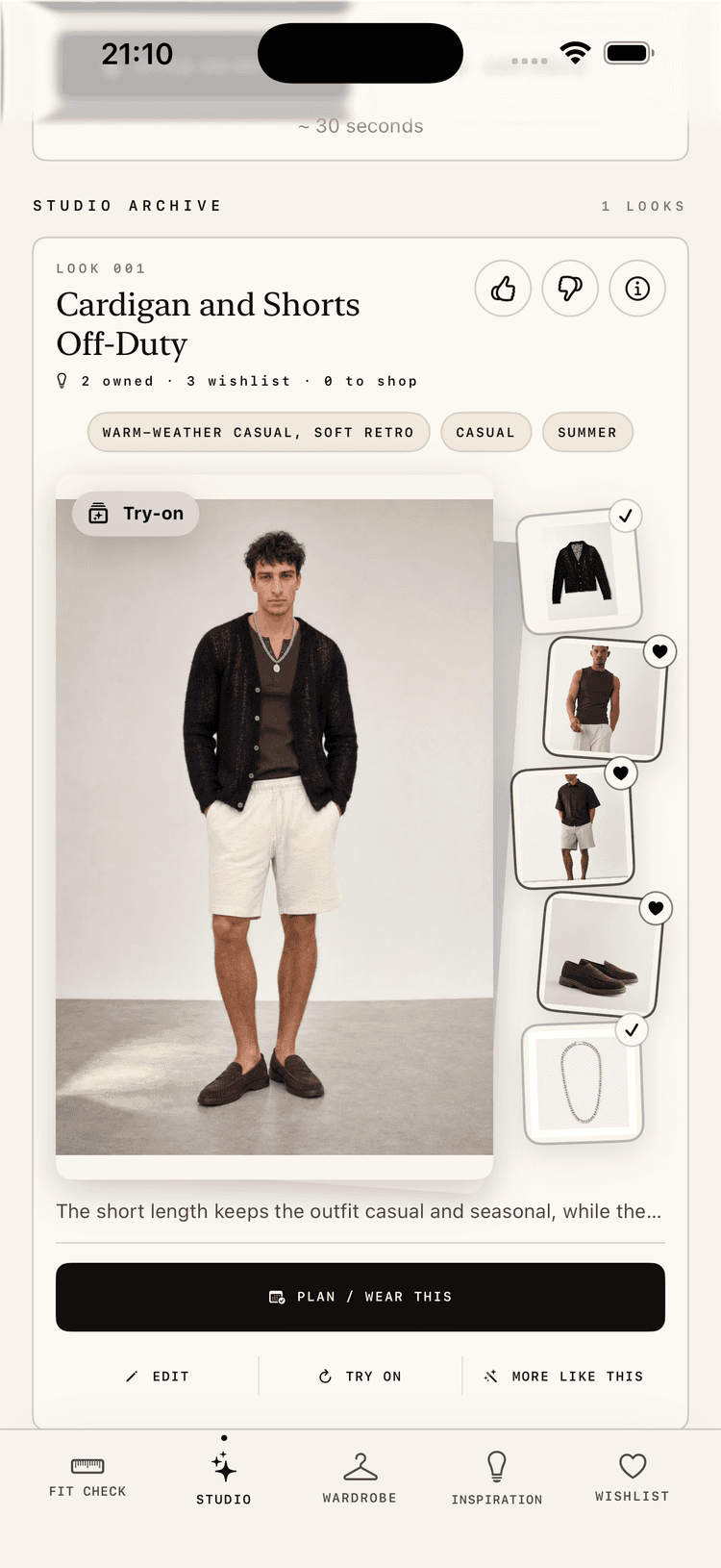
Compare full-body styling concepts before getting dressed, without treating the image as a fit guarantee.
Test: Focus on identity consistency, garment faithfulness, and whether the preview helps you decide.
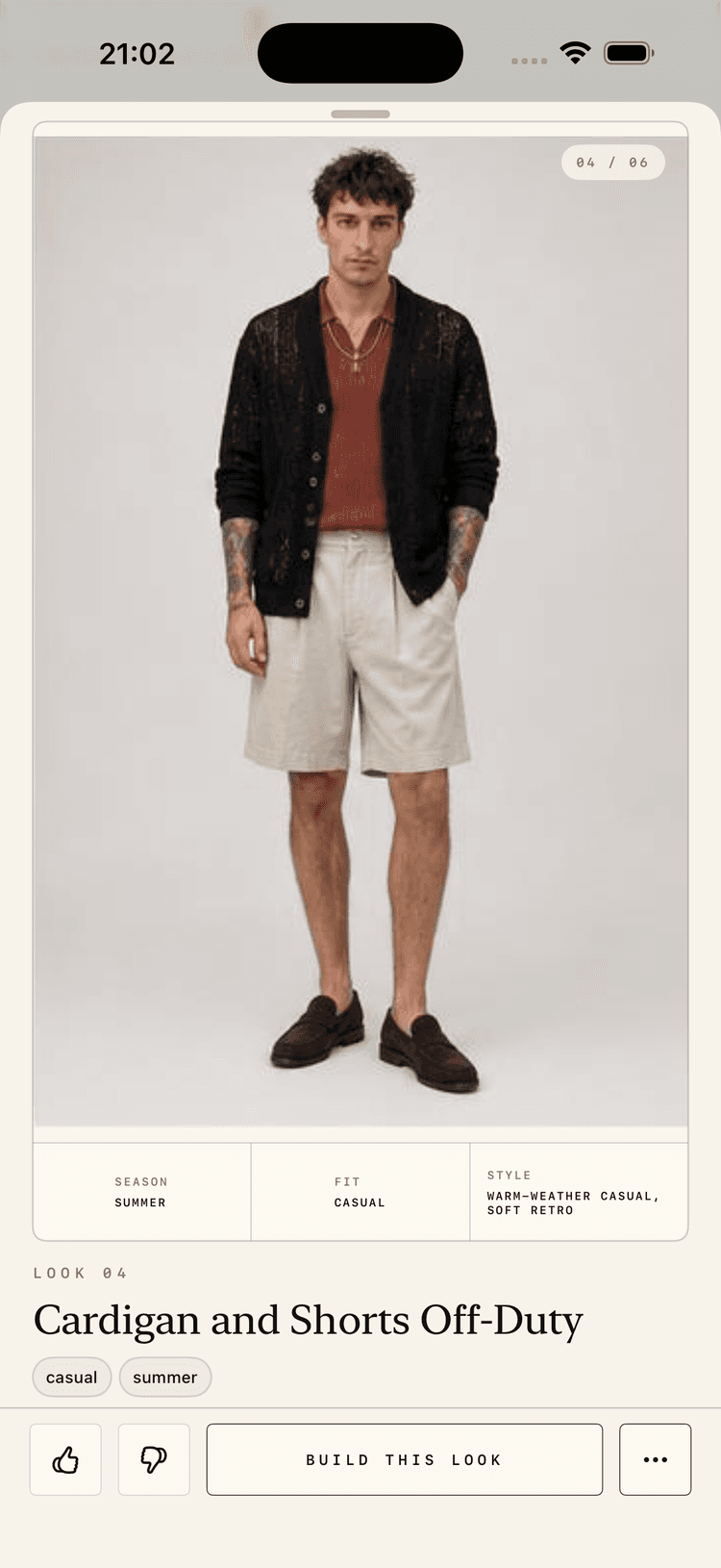
Open a look to see the pieces, palette, styling notes, watch-outs, visual shopping entry points, and shopping ideas tied to that outfit.
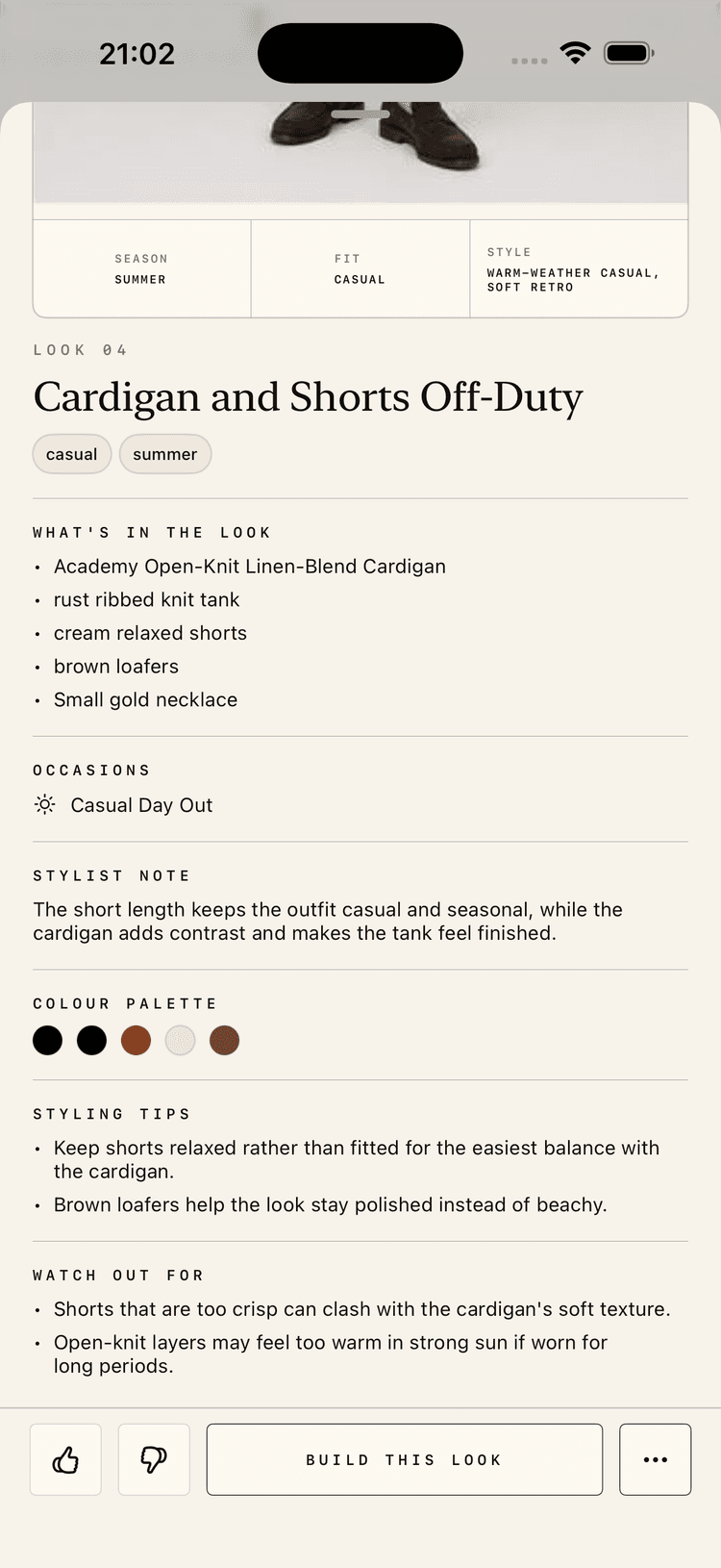
Move from an inspiration board into concrete actions: like, dislike, build the look, or open more options.
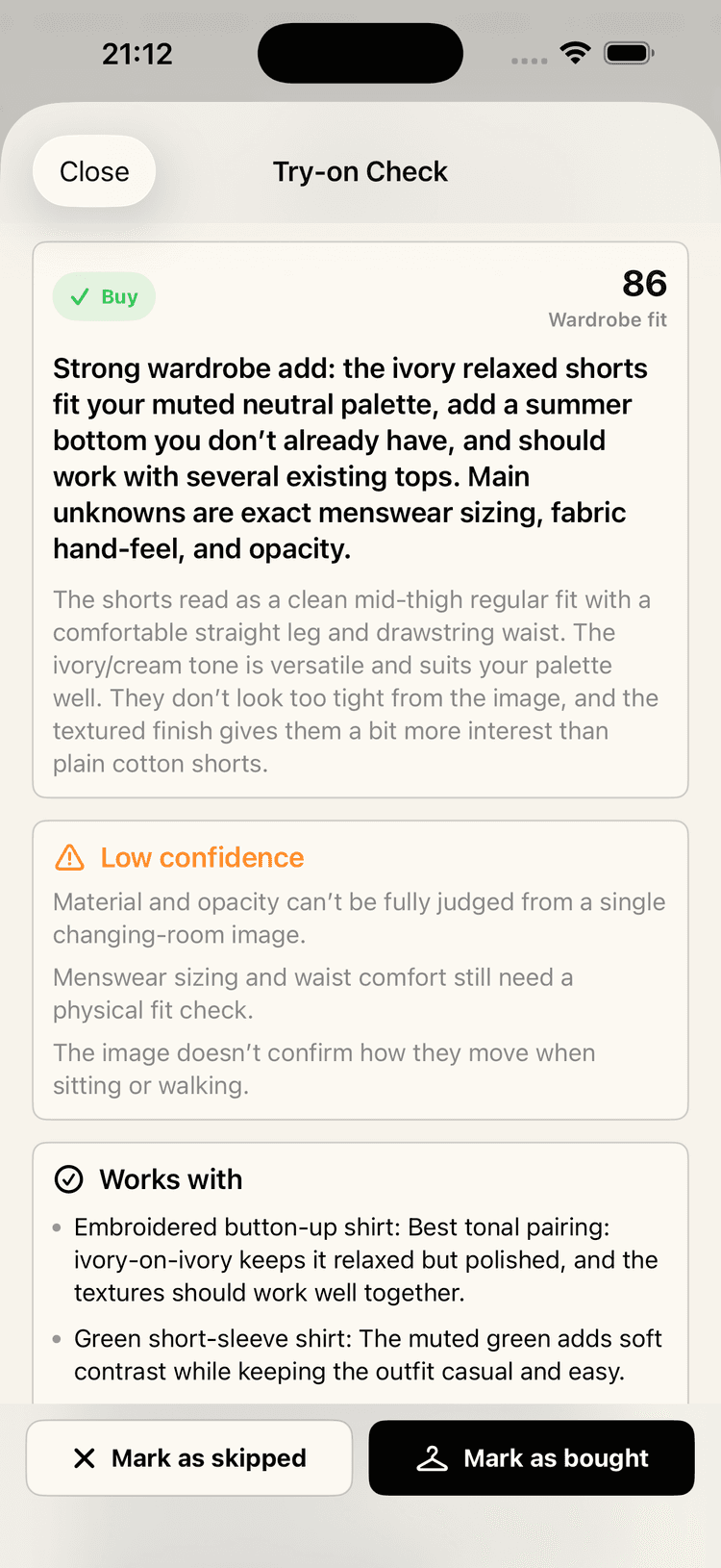
Check a possible purchase against the wardrobe, colour palette, fit preferences, and known unknowns before deciding.
Test: Tell us whether the buy/skip judgement is specific enough to trust.
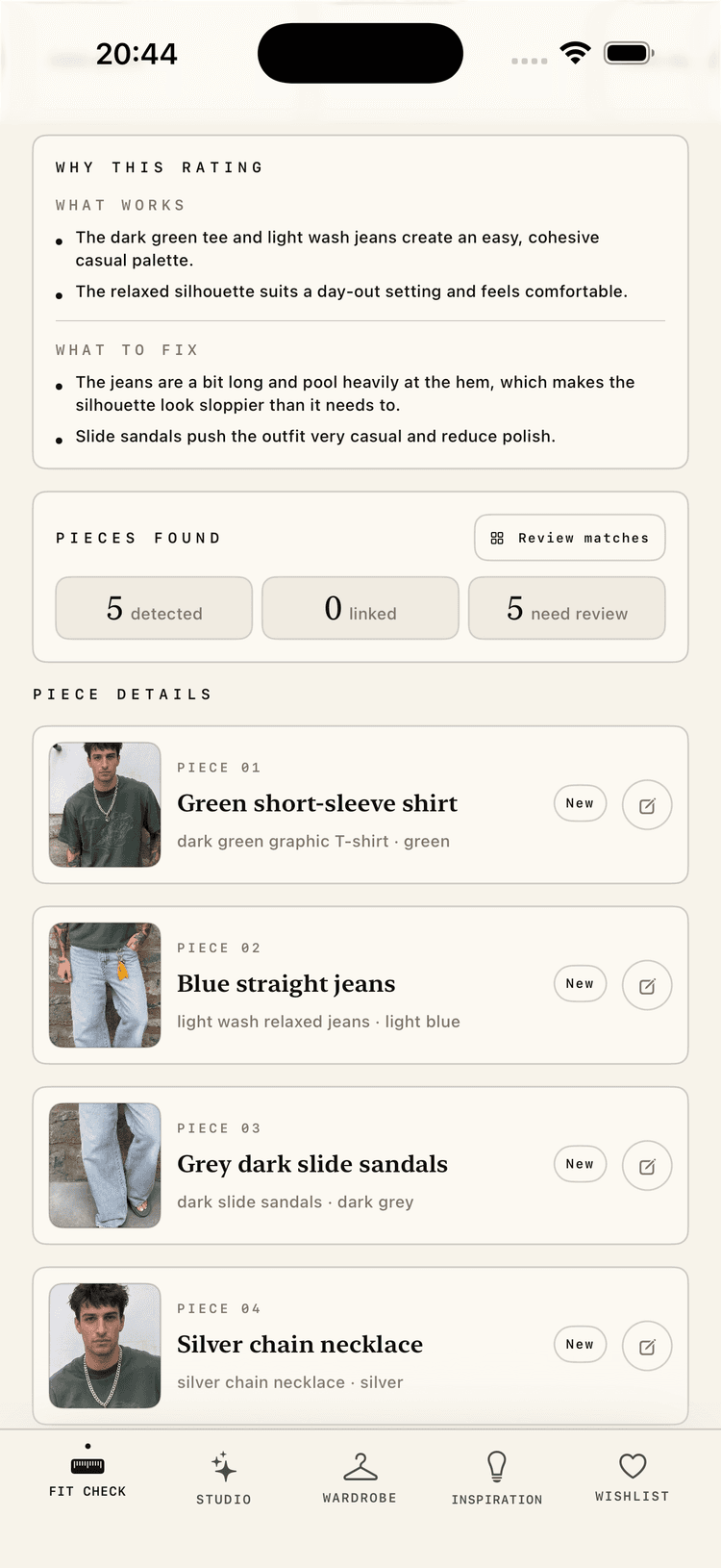
Review the pieces GetUp found in an outfit photo, link them to wardrobe items, or turn new pieces into saved wardrobe records.
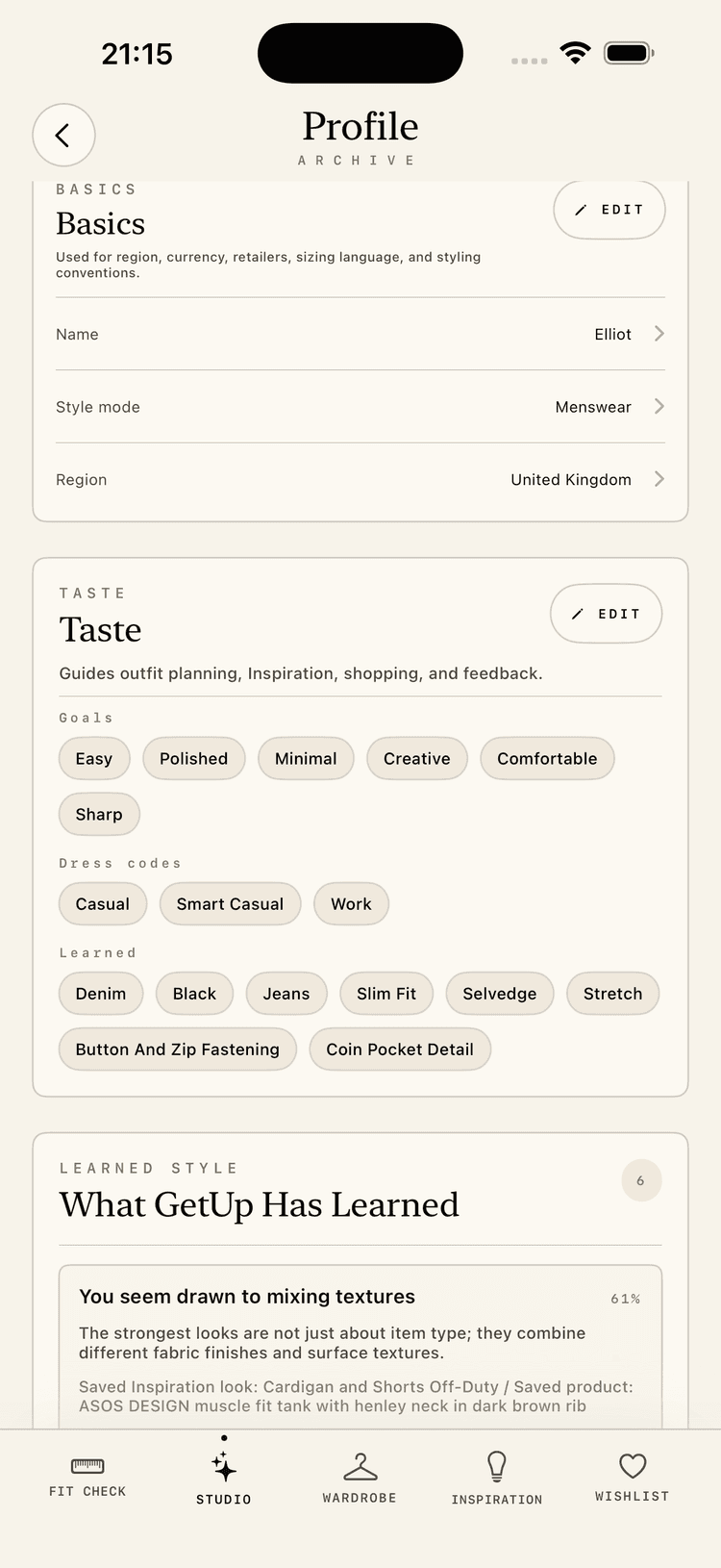
Update your preferences, reference photos, avatar, feedback history, and account settings as your style changes.
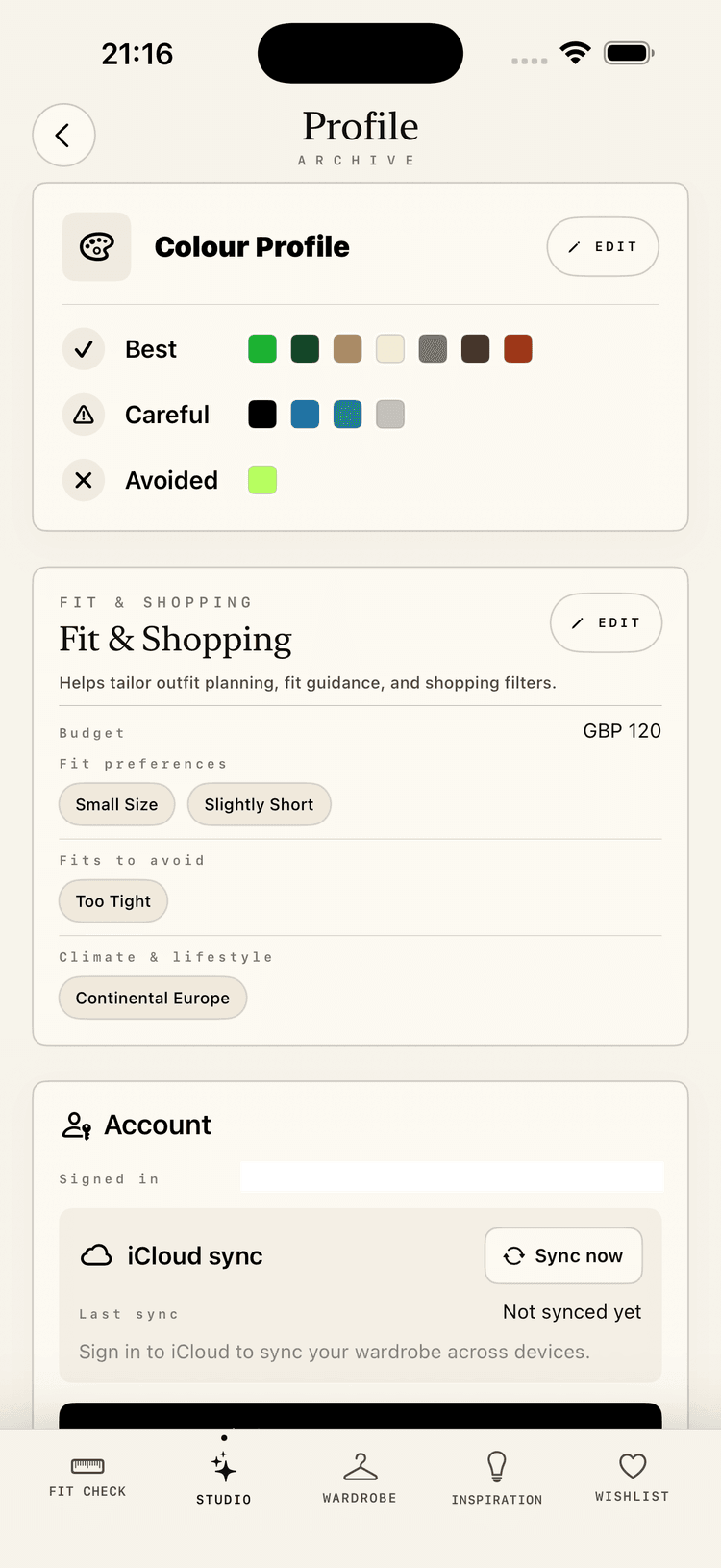
Tune colour preferences, budget, fit boundaries, climate, lifestyle, and sync controls from one practical profile surface.
Recent improvements
Recent changes based on the areas we want testers to stress-test next.
Search and category filters now help in the main wardrobe, Studio piece pickers, outfit-slot editing, and Fit Check item matching.
Missing pieces can open visual or text Google Shopping searches, save to Wishlist, fill a specific look slot, and become wardrobe items once bought.
Items now carry more useful catalogue details such as brand, size, subcategory, pattern, fit, neckline, sleeves, and garment length.
Generated boards now open into individual looks with pieces, palettes, styling notes, and ways to move ideas into Studio.
FAQ
No. You just need real outfit decisions and honest feedback. GetUp should work for people who want practical help getting dressed, not only people who already think of themselves as stylish.
Yes. Wave 1 is iPhone-only and will be distributed through TestFlight.
Yes. GetUp is only useful when it can style from your actual wardrobe. Wave 1 testers should be willing to add at least 15 real items in week one.
No. GetUp starts with your wardrobe. Shopping suggestions should help fill specific gaps, not push endless products.
No. They are styling previews, not fit guarantees.
Only if you tick the separate marketing checkbox. Beta contact and marketing consent are recorded separately.